 prompt2bot
Automating PR Reviews with AI Agents and GitHub Actions
2026-04-30
by Uri Walevski
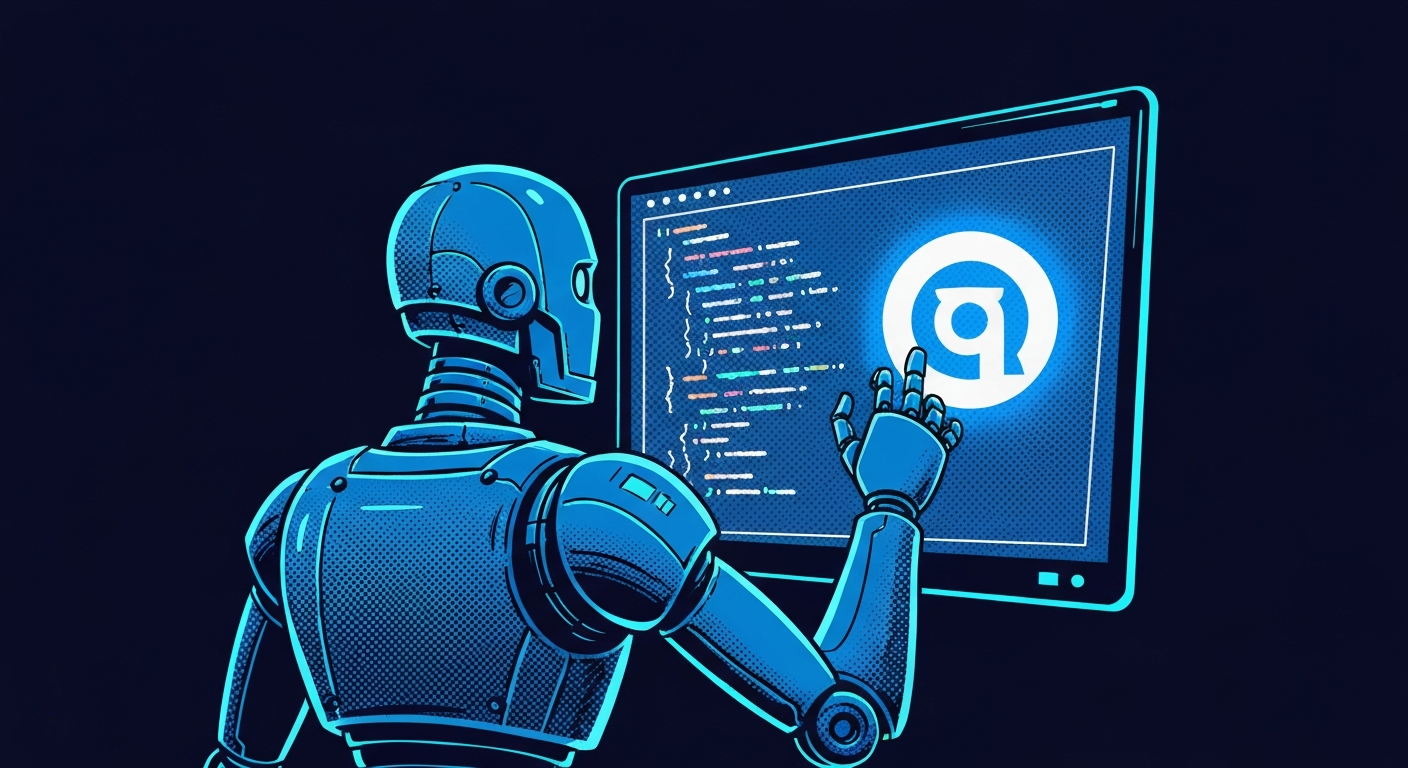
AI can write code, but reviewing code is where it really shines in a team environment. An AI reviewer doesn't sleep, it doesn't get tired of reading 500-line diffs, and it can catch the nitpicky things so human reviewers can focus on architecture.
We just added GitHub as a native channel in prompt2bot. This means your bots can directly interact with GitHub issues and pull requests, acting as team members that review code, suggest changes, and answer questions right where the work happens.
Setting this up is incredibly simple. It requires no infrastructure on your end, just a prompt2bot agent and a GitHub Action.
Here's the step-by-step guide to setting up your own AI PR Reviewer.
1. Create the Agent
First, head over to your prompt2bot dashboard and create a new bot. You need to give it the right instructions and skills to do its job.
The Prompt The prompt is where you define the agent's personality and review guidelines. You can be as specific as you want. For example:
Adding Skills To make the agent follow specific style guidelines or project rules, you can add a community skill. For example, if you want it to adhere strictly to your team's code style, you can install a custom skill pointing to a repository containing your rules (e.g., uriva/code-style-guide). The agent will automatically read and apply these rules during its review.
2. Give the Agent a GitHub Token
To read your private repositories and post comments, the agent needs a GitHub Personal Access Token (PAT).
- Go to your GitHub account settings: Settings > Developer Settings > Personal access tokens > Fine-grained tokens.
- Click Generate new token.
- Name it "PR Reviewer Bot", set an expiration, and select the repositories you want it to access.
- Under Repository permissions, grant it Read & Write access to Pull requests and Issues, and Read-only access to Contents.
- Generate the token and copy it.
Now, go back to your prompt2bot dashboard, navigate to your bot's Secrets tab, and add a new secret:
- Name:
github-token - Value: (paste the token you just copied)
- Allowed Hosts:
api.github.com
The token is immediately encrypted. The agent will only be able to use it when
making requests to api.github.com, and it will never be exposed in plaintext
or the agent's memory.
3. Create a Bot API Token
To trigger the agent from GitHub Actions, you need a way for the Action to securely authenticate with prompt2bot.
- In your bot's dashboard, go to the Settings tab.
- Scroll down to the Bot API Tokens section.
- Click Create Token and copy the resulting string (it will start with
p2b_).
You will need this token and the Bot ID (which is always visible at the top of the dashboard or in the URL) for the next step.
4. Set Up the GitHub Action
Now you just need to tell GitHub to wake up the agent whenever a PR is opened or someone comments.
In your GitHub repository, go to Settings > Secrets and variables > Actions, and add two Repository secrets:
PROMPT2BOT_API_TOKEN(thep2b_token you just created)REVIEW_BOT_ID(your bot's ID)
Finally, create a file in your repository at
.github/workflows/ai-pr-review.yml:
How it works
When a PR is opened, updated, or commented on, the GitHub Action wakes up the agent and passes it the relevant context. The Action itself finishes almost instantly, just acting as a trigger.
The bot then takes over. It receives the task, uses its securely injected GitHub token to fetch the PR diff via the GitHub API, analyzes the code based on your prompt and skills, and posts its review comments back to the pull request.
Because the Action fires on every comment, the bot stays in the loop. If a human replies to the bot's review asking "Why is this a security issue?", the Action forwards the comment to the same conversation thread. The agent wakes up, remembers its original review, and can reply naturally — defending its point or conceding. It's not just a fire-and-forget script — it's an interactive team member.
Bonus: Chat with Your Agent Anywhere
Your PR reviewer isn't limited to just the PR thread. Since it's a full prompt2bot agent, you can also talk to it directly through any channel. Want to discuss a review decision in more detail, ask it to elaborate on a suggestion, or even give it new instructions mid-review? Just open a chat with it on alice-and-bot, Telegram, WhatsApp, Slack — whatever you prefer. The agent is the same entity, same context, same personality. It's there whenever you need it.
← All posts