 prompt2bot

How Small Businesses Automate WhatsApp Support and Booking Without Node Builders
2026-10-28
by Uri Walevski
If you run a clinic, a consulting practice, an agency, or an online shop, your customers do not want to fill out a web form and wait two days for an email. They message you on WhatsApp or open the chat box on your site at 9 PM, ask two specific questions about pricing or availability, and book with whoever answers first.
Most business owners try to solve this in one of two ways. Either they answer every message themselves between meetings, or they hire someone to wire up a visual automation in Make or Zapier.
Answering everything yourself burns you out. Wiring up a visual node builder usually produces a brittle decision tree that breaks the first time a customer asks two questions in the same message or sends a voice note.
Why Decision Trees Fail Real Customers
Traditional chatbots and visual workflow builders treat a customer conversation like a railroad track. Step one asks for their name. Step two asks what service they want. Step three sends a Calendly link.
Real buyers do not talk like that.
A real buyer writes: "Hi, do you have anything open this Thursday afternoon for two people, and is parking included?"
A node-based flow chokes on that message because it combines a FAQ lookup with a live calendar check. If the customer instead sends a ten-second voice memo in Hebrew or Spanish while walking down the street, the flow breaks completely.
Replacing the Flowchart with an Agent
An AI agent handles this differently because you give it instructions and tools instead of a rigid script.
On prompt2bot for Business, setting up a front-desk agent takes about five minutes and does not require code:
- Describe the role in plain language. Tell the builder AI what your business does, what your pricing and policies are, and what tone the agent should use. You can also point it at your website or upload your FAQ docs so it always has accurate answers.
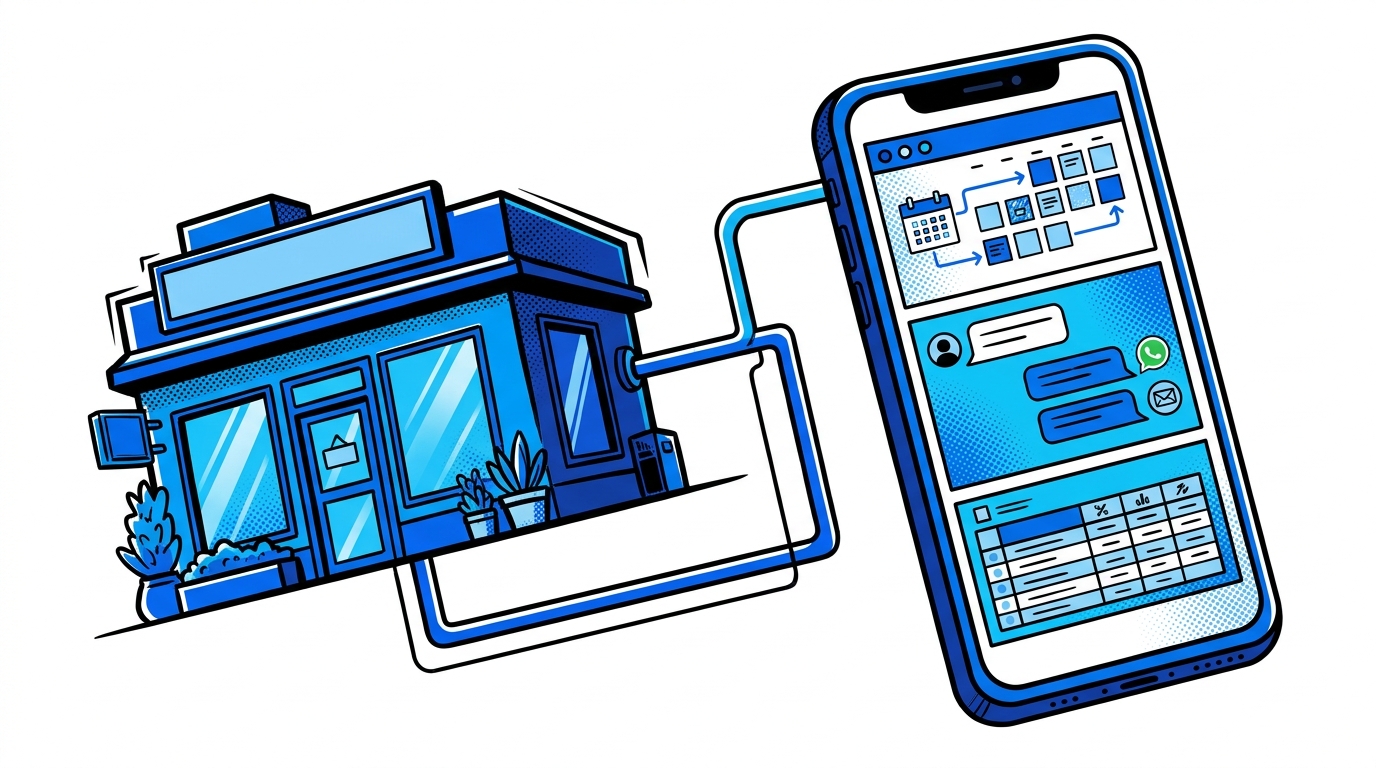
- Connect Google Calendar and Sheets. Give the agent the pre-built Calendar skill so it can check your real-time availability and book appointments directly inside the conversation. Connect Google Sheets if you want every qualified lead and booking logged automatically.
- Connect WhatsApp or your website widget. Link a dedicated WhatsApp number or drop a single embed snippet onto your site. The agent handles text messages and voice notes in whatever language the customer speaks.
Keeping a Human in the Loop
The biggest hesitation business owners have with AI is losing control. Nobody wants a bot inventing a discount policy or mishandling a frustrated client.
Two mechanisms solve this in production:
- One-tap administrator approvals. You can instruct the agent to handle routine questions and standard bookings on its own, but pause and message you privately whenever a customer asks for a refund, a custom quote, or an exception. You approve or reject with a single tap, and the agent replies to the customer accordingly.
- Instant human handoff. At any point in a thread, you can step into the conversation, pause the AI, and talk to the client directly.
You do not need an automation agency on retainer or a forty-node diagram to run a responsive business. You just need an agent that knows your business rules, checks your real calendar, and knows when to ask you before saying yes.
← All posts