 prompt2bot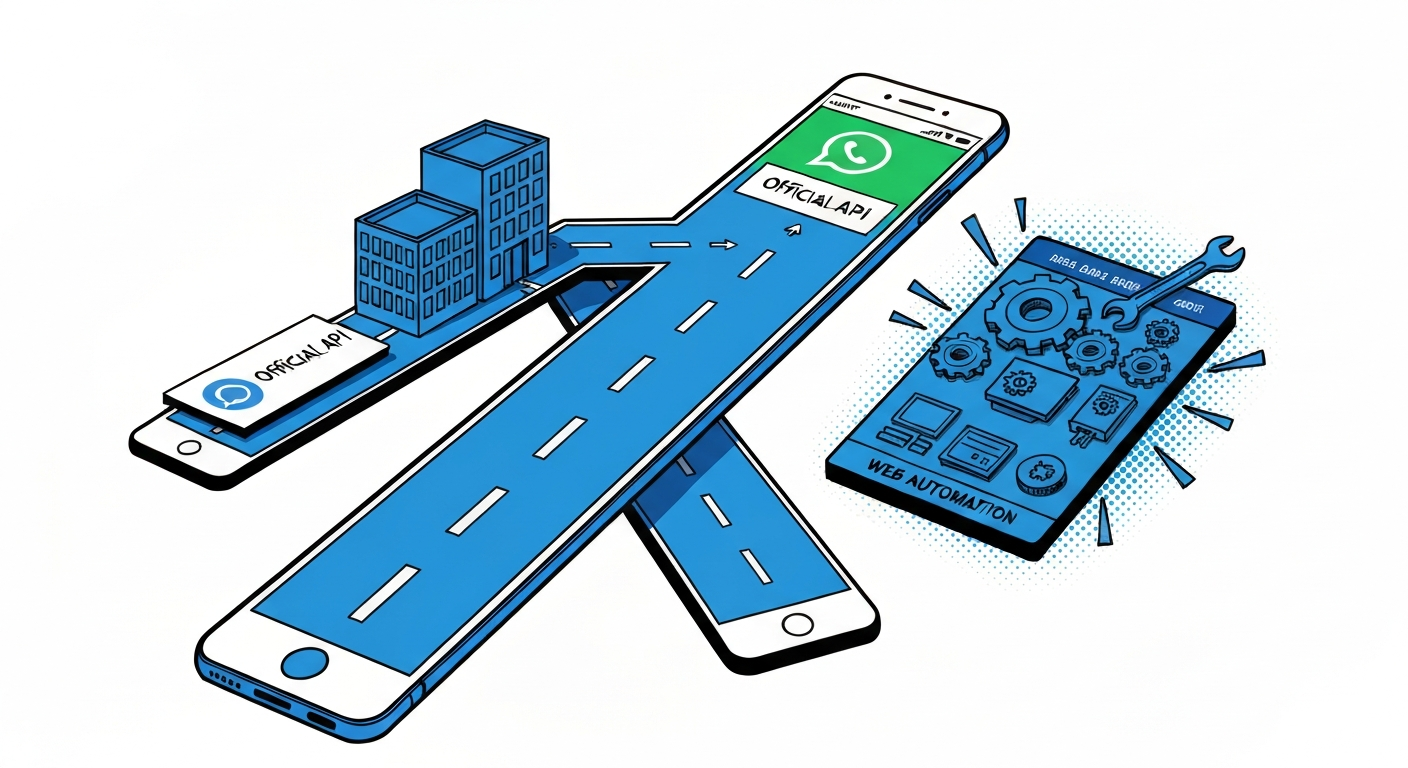
Everything you wanted to know about connecting bots to WhatsApp
2026-03-31
by Uri Walevski
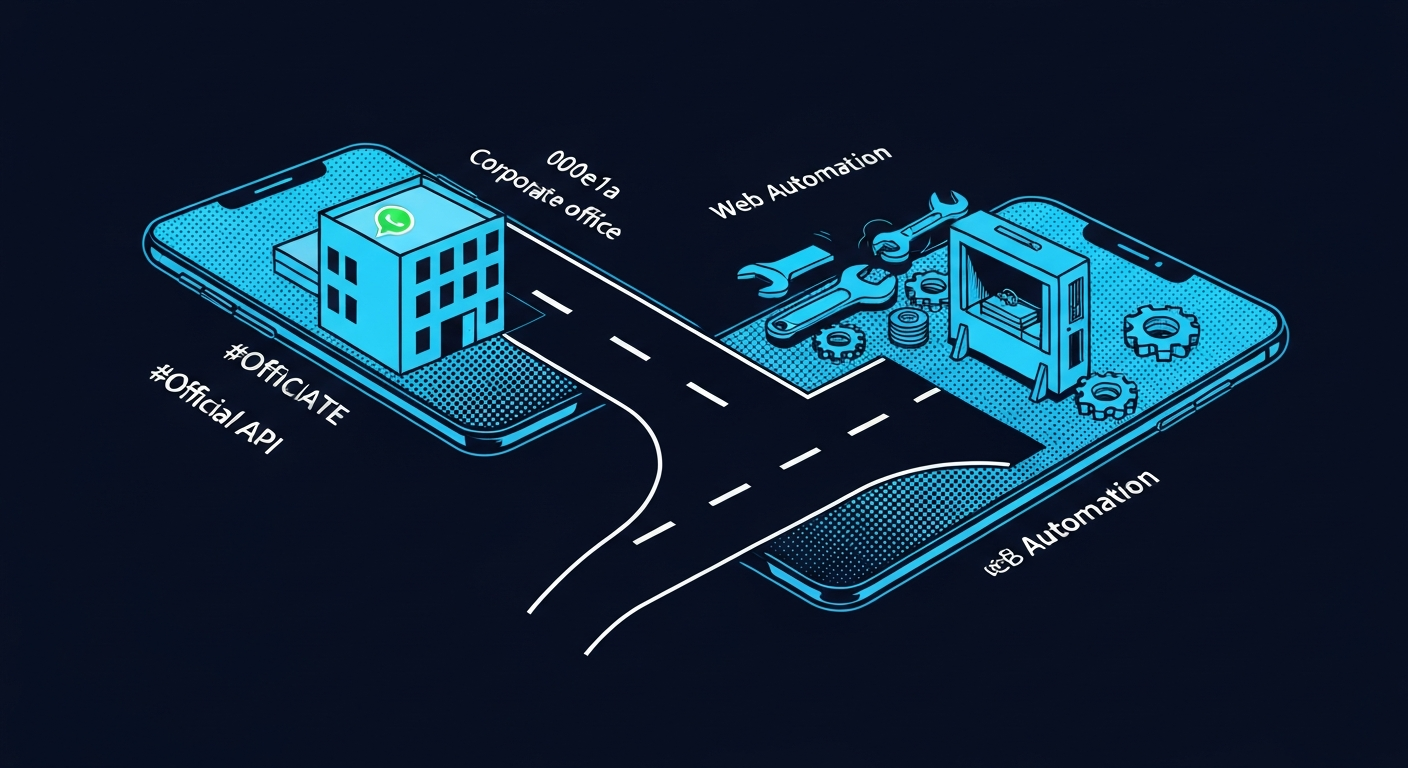
There are two ways to get a bot on WhatsApp. The official way through Meta's Business API, and the unofficial way through WhatsApp Web automation. Both work. Both have real tradeoffs. Picking the wrong one for your use case will cost you weeks.
The official way
Meta offers the WhatsApp Business API. It's designed for businesses to send and receive messages through an approved, hosted channel. You create a Meta developer app, attach a phone number, generate an access token, and set up a webhook. Messages flow through Meta's infrastructure.
The setup is not trivial. You need a Facebook developer account, a business portfolio, a verified phone number, and a system user with the right permissions. The token generation process involves navigating Meta's labyrinth of business settings, asset assignments, and permission scopes. If you've never done it before, expect to spend a few hours clicking through screens that feel like they were designed to discourage you.
We have a step-by-step guide that walks through the whole process. And if you'd rather not deal with it yourself, we help our clients set this up directly. It's part of what we do.
Once it's working, it's solid. Meta's infrastructure is reliable. Your bot won't get disconnected randomly. There's no session to keep alive, no browser to babysit. The connection is persistent and stable. You're also much less likely to get your number banned, since you're operating within Meta's official channel.
The limitations are real though. The Business API doesn't support group chats. Your bot can only have 1-on-1 conversations. It also can't initiate contact with users who haven't messaged it first (outside of pre-approved message templates). So if your use case involves participating in a group or cold-messaging someone, the official API simply won't work.
The unofficial way
The alternative is automating WhatsApp Web. This is how regular WhatsApp works on your desktop browser, except instead of you clicking around, a bot is reading and sending messages programmatically.
There are open source libraries for this. Baileys, whatsapp-web.js, wppconnect. They reverse-engineer the WhatsApp Web protocol and give you a programmatic interface. You pair a phone number the same way you'd link a new device, and the library handles the rest.
The upside is full access. Groups work. Initiating conversations works. Everything a normal WhatsApp user can do, the bot can do. There's no approval process, no message templates, no waiting for Meta to green-light your business.
The downside is stability. WhatsApp Web sessions disconnect. The process can crash, the server can reboot, and you need to re-pair. WhatsApp also actively tries to detect and block automated usage, so there's always some risk of getting your number banned. The risk is lower than people think if you behave like a normal user (don't blast thousands of messages, don't add random contacts to groups), but it's not zero.
Running this yourself means keeping a process alive 24/7, handling reconnections, managing proxies, and dealing with the occasional breaking change when WhatsApp updates their protocol. It's a part-time job.
Managed services for the unofficial approach
This is where managed WhatsApp Web services come in. Instead of running the automation yourself, you use a service that handles the session management, reconnection, proxying, and isolation for you. You get a webhook and an API. The messy infrastructure is someone else's problem.
Supergreen is the cheapest option we've found. Each account runs in its own isolated container with its own proxy. You connect a phone number, get a pairing code, and start receiving webhooks. No server to maintain, no Docker containers to manage.
There are other providers too. The space has a few options at different price points. The key thing is that any managed service that gives you a webhook and an API for sending messages can plug into prompt2bot.
Which one should you pick
If your bot does 1-on-1 customer conversations and you want maximum reliability, go official. Set up the Business API, accept the setup pain, and enjoy a stable connection that Meta won't randomly kill.
If your bot needs to be in groups, or needs to message people first, or you just don't want to deal with Meta's approval process, go unofficial through a managed service. Accept the small risk of instability in exchange for full functionality.
If you're not sure, start with the unofficial approach. It's faster to set up and gives you more flexibility. You can always migrate to the official API later if you need the stability guarantees.
prompt2bot works with both
prompt2bot supports both the official WhatsApp Business API and unofficial WhatsApp Web integrations. For the official API, you paste your token into the dashboard and we handle the webhook setup automatically. For unofficial, you connect through Supergreen or any other managed service that provides a webhook interface.
If you need help setting up the Meta Business API credentials, or choosing between the two approaches for your specific use case, reach out on Discord. We consult on this regularly and can walk you through the whole thing.
← All posts