 prompt2bot
Dreaming: Background Memory Consolidation for Agents
2026-11-22
by Uri Walevski
Every personal assistant agent hits the same wall after a week of real use.
You correct it once: never book meetings before 11am, always reply to finance threads in English, use this specific repo for staging deploys. It follows the rule for the rest of the afternoon. Three days later, the conversation compacts, the old messages roll out of active context, and it makes the exact same mistake again.
There is a temptation to fix this by giving the agent a save_memory tool or
letting it rewrite its own system prompt during a chat. Both approaches break
down fast in production.
When you hand the model a memory tool, it either forgets to call it when something subtle happens, or it gets obsessed with bookkeeping and saves ephemeral noise like "User asked about Tuesday's invoice". Worse, the agent starts talking to you about its own memory mechanics ("I have updated my long-term memory with your preference!"). Nobody wants to chat with a filing cabinet.
And letting an agent overwrite its own base prompt mixes two things that do not belong together: the static instructions you deliberately wrote, and the messy facts it picked up along the way.
Separating the Base Prompt from Learned Memory
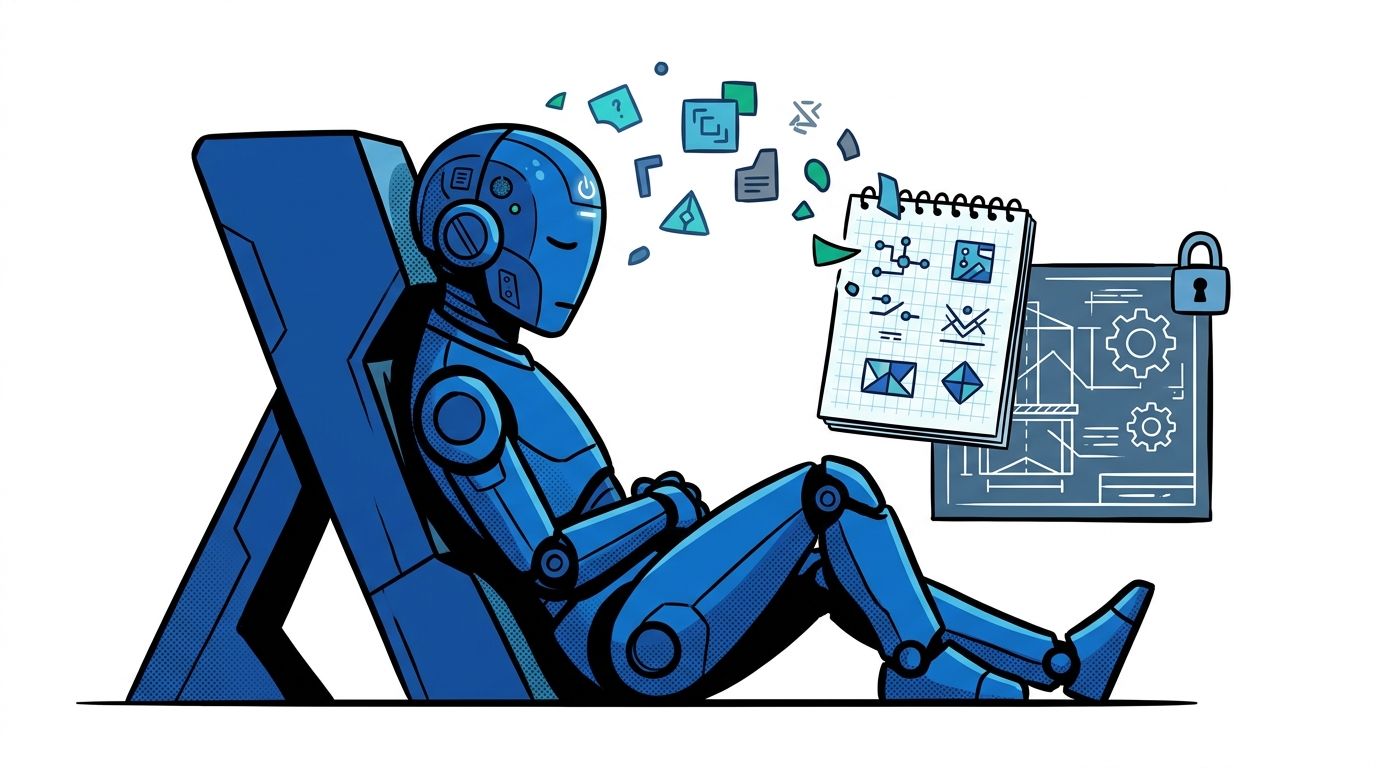
The cleaner pattern works more like sleep than note-taking.
On prompt2bot, conversations already run through
continuous history compaction when a session settles and grows large. Starting
today, for shared-context agents (isolateUsers: false), compaction triggers a
quiet background pass we call dreaming.
When an owner conversation compacts into a new segment summary, a background pass using the same main model looks at three things:
- The bot's base prompt (so it never duplicates rules you already wrote).
- The existing learned memory section.
- The newly compacted conversation summaries.
If the recent conversation contains something durable, like a standing preference, a recurring workflow, a key contact, or a correction that supersedes an old assumption, it merges the update into a compact learned memory block and prunes anything stale. If nothing durable came up, it does nothing.
Your base prompt stays untouched.
The Agent Does Not Know It Dreams
One deliberate design choice: the agent is never told that dreaming exists.
There is no system prompt paragraph explaining automatic memory consolidation, no extra tool in the function schema, and no hint that part of its context was synthesized overnight. On the next turn, the learned memory is simply present alongside the base prompt.
The model just knows that you hate 9am meetings. It does not narrate how it knows, it does not try to game its own memory rules, and it does not burn tokens deciding whether to call a memory tool on every message.
Why It Only Runs on Shared-Context Agents
Dreaming is strictly enabled only when isolateUsers is false, meaning
personal assistants, team bots, coding agents, and AI reps that work alongside
an owner rather than isolated customer-support interfaces.
There are two security boundaries built into the engine:
- No cross-user leakage on isolated bots. If
isolateUsersistrue, dreaming never runs and learned memory is never injected into prompts. Every customer session stays sealed. - No prompt-injection persistence from strangers. Even on a shared-context agent that talks to both its owner and external contacts (for example an assistant that messages leads or vendors on WhatsApp), dreaming only consolidates from verified 1:1 owner conversations and owner-originated threads. An external stranger can never trick your assistant into dreaming malicious instructions into its permanent context.
Full Visibility in the Dashboard
Silent automation only works if you can still inspect and override it.
In the dashboard, shared-context bots now show a separate Learned Memory section right below Prompt & Instructions. You can see exactly what the agent picked up, when it was last updated, edit a line directly, or clear the whole block in one click without ever touching your base prompt.
If you run a personal assistant or team agent on prompt2bot, dreaming is already live. Just keep talking to your agent as usual, and check the Learned Memory section after your next long session compacts.
← All posts