 prompt2bot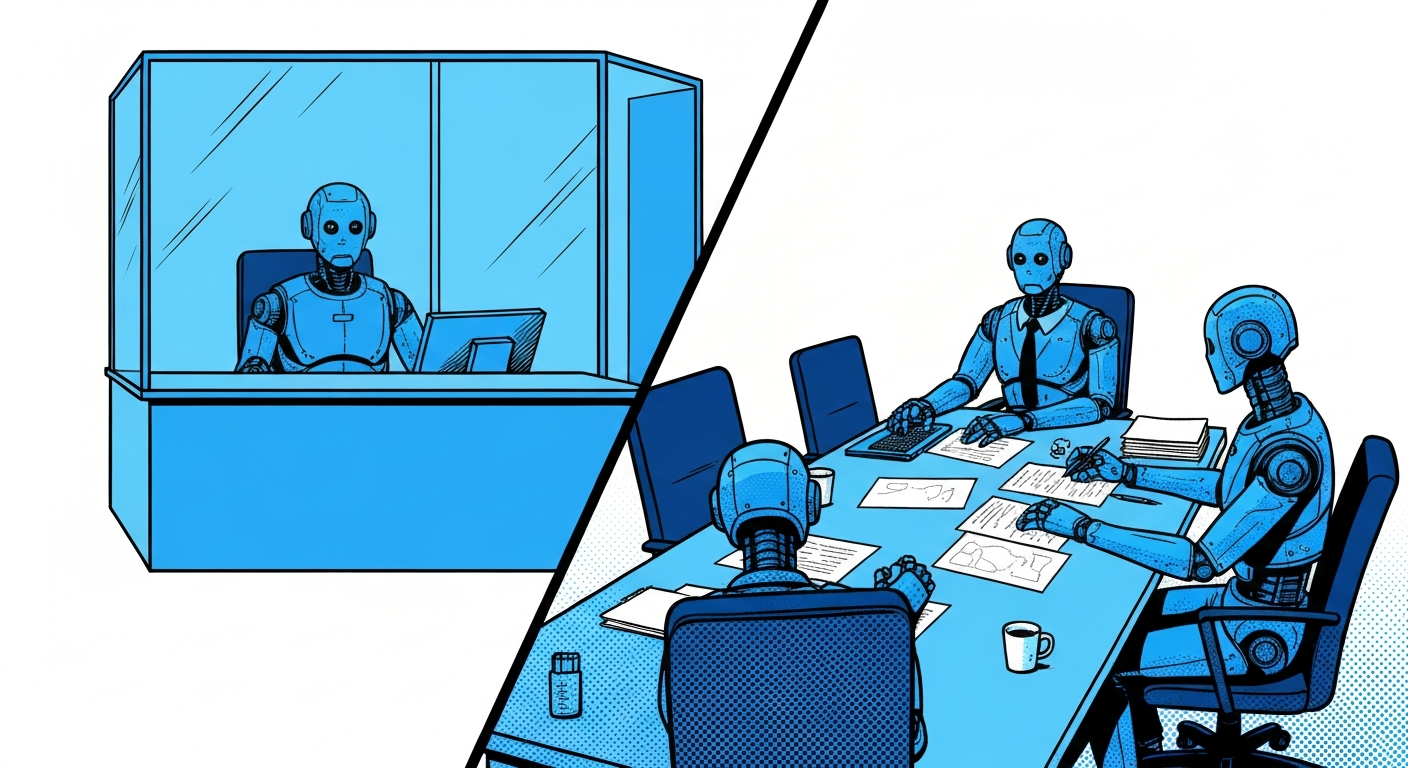

Your agent is either an interface or a team member
2026-03-30
by Uri Walevski
Most agent platforms don't make you think about this. You build a bot, you deploy it, users talk to it. But there's a question you need to answer before anything else: is this agent talking to your users, or is it working with you?
A customer support agent, a therapist bot, a product FAQ assistant. These are interfaces. Each user should feel like they're in a private session. User A's conversation should be completely invisible to User B. The agent shouldn't even be able to look up what other users have said.
Now consider a different agent. A personal assistant that coordinates your tasks across multiple conversations. An AI sales rep that remembers every lead it's ever spoken with. A project manager bot that tracks action items from different team members. These agents need cross-conversation memory. Isolation would cripple them.
This is the distinction that isolateUsers encodes. It's a single boolean, but
it changes the fundamental nature of your agent.
What actually happens when you flip the switch
When isolateUsers is on, the agent loses access to every tool and skill that
operates across users. Not through a system prompt instruction. Not through a
"please don't use these" note. The tools are removed from the function schema
entirely. The model doesn't know they exist.
This is worth emphasizing. Prompt-level restrictions are suggestions. Models ignore them, sometimes deliberately, sometimes because a clever user asks the right question. Structural enforcement means the capability isn't there. You can't call a function that isn't in your schema no matter how creative the prompt injection is.
Here's what gets stripped when isolation is on:
Tools removed: Reading message history from other conversations, listing all active conversations across users. These tools are tagged as cross-user at the code level, and a filter function removes them before the schema reaches the model.
Skills removed: The automation skill (scheduled actions, recurring tasks, inter-thread coordination) and the code execution skill (sandbox VMs, persistent environments, secret management). Both require cross-conversation awareness to be useful, so they go.
OAuth scoping changes: When isolation is on, Google OAuth tokens are scoped per conversation. Each user gets their own token. When isolation is off, a single token is shared across the entire bot. This matters for agents that integrate with Google services because an isolated agent can't accidentally act on the wrong user's Google account.
Why it isn't always on
A friend asked me this recently. If isolation is safer, why not just force it?
Because for a whole class of agents, isolation is wrong. If you're building a personal assistant, you want it to remember that you asked about flights to Berlin last week when you bring up hotel options today, even if those were different conversations. You want it to coordinate between your threads, schedule recurring tasks. An isolated personal assistant is just a stateless chatbot with extra steps.
The mental model is simple. If your agent is an interface between your business and your customers, isolate. Each customer gets a private session, no data leakage, no cross-contamination. If your agent is a team member working alongside you or a small group, don't isolate. It needs the full picture to be useful.
Customer service bot? Isolate. AI therapist? Isolate. Product FAQ? Isolate. Personal assistant? Don't. AI sales rep? Don't. Coding agent? Don't. Project manager? Don't.
The in-between cases
Some agents fall in a gray area. A community manager bot that monitors a WhatsApp group and also handles 1:1 DMs. A sales bot that talks to many prospects individually but needs to remember all of them to avoid repeating itself.
For these, isolation off is usually the right call, but the agent's prompt needs to be explicit about boundaries. The tool access is there, but the agent should be instructed about what it should and shouldn't share. This is where you rely on prompt behavior rather than structural enforcement, and that's fine for cases where the stakes of a minor leak are low.
The isolation toggle isn't a security spectrum with a dial. It's a binary architectural decision. Either the tools exist in the schema or they don't. For everything in between, you use prompt instructions on top of the non-isolated mode.
How the builder bot decides
When you create a bot through the AI builder on prompt2bot, the builder bot asks
about your use case and sets isolateUsers accordingly. If you describe a
customer-facing agent, it turns isolation on. If you describe something that
sounds like a personal tool or a team coordinator, it leaves it off.
You can always change it later in the dashboard. But the point is that this decision happens at creation time, not as an afterthought. The relationship between your agent and its users is the first thing you should define, not the last.
← All posts