 prompt2bot
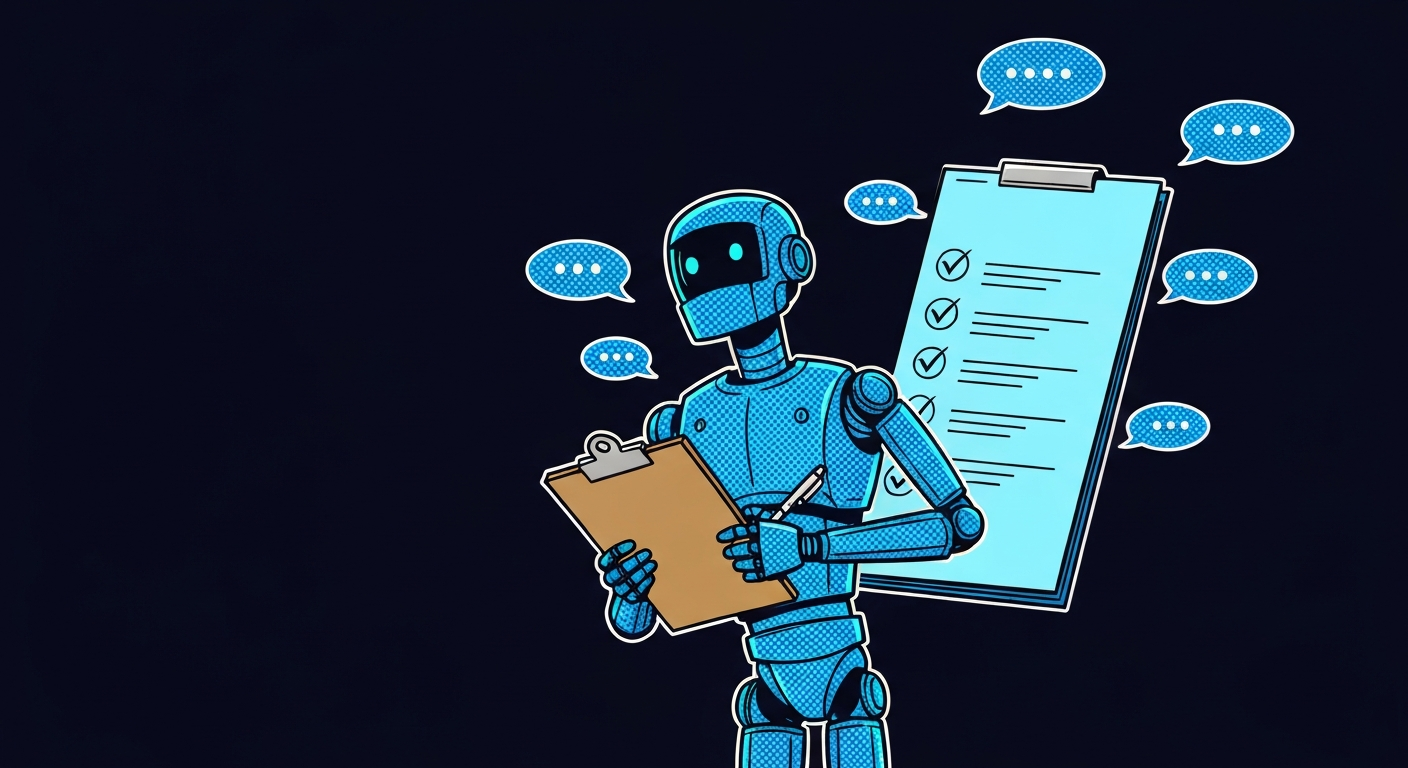
How to Add an AI Task Manager to Your WhatsApp Group
2026-03-21
by Uri Walevski
Here's how to set up an AI bot in a WhatsApp group that manages tasks, sends reminders, and nags people who haven't done their thing. The WhatsApp Business API doesn't support bots in groups, so you need a regular WhatsApp account connected through WhatsApp Web.
Steps
- Create an account on prompt2bot.com
- Describe the bot you want to the builder AI
- Connect a WhatsApp number
- Pair the number from your phone (like linking a new device)
- Add the number to your group
1. Create an account
Go to prompt2bot.com and sign up.
2. Describe the bot
Everything is configured through a chat with the builder AI. You describe what you want in plain language. Something like:
"I want a bot that manages tasks in a family WhatsApp group. When someone writes a task (like 'buy milk' or 'fix the sink'), add it to the list and assign it to whoever was mentioned, or ask who should handle it. Every evening at 8pm, send a summary of open tasks. If a task has been open for more than 2 days, nudge the person responsible. Be friendly but persistent."
The builder AI creates your agent from this. You refine by continuing the conversation: "also track completed tasks and give a weekly report" or "when someone says 'done' as a reply to a task message, mark it as completed."
3. Connect a WhatsApp number
Tell the builder AI to connect a WhatsApp account. It provisions a cloud-hosted WhatsApp Web session for your number and gives you a pairing code. The whole thing happens in the chat.
4. Pair from your phone
Open WhatsApp on your phone, go to Linked Devices, enter the pairing code. Same as linking any new device. The bot is now live on that number.
5. Add the number to your group
Add the number to your family group. The bot sees every message and responds according to its prompt. It behaves like a regular group member: it can reply, mention people, send messages on a schedule.
FAQ
Why can't I use the WhatsApp Business API for this?
The Business API doesn't let bots participate in groups. It's designed for 1-on-1 customer support. prompt2bot connects through WhatsApp Web instead, which works in groups the same way a regular phone does.
Why not self-host?
There are open-source WhatsApp agent frameworks (OpenClaw, wppconnect, Baileys-based bots). They work, but the WhatsApp Web session needs to stay alive. The process can't crash, the machine can't sleep, and if the session disconnects you need to re-pair. Laptop closes, bot goes offline. VPS reboots, you're SSH-ing in at midnight.
prompt2bot handles the session in an isolated cloud container with automatic reconnection. No server to keep running, no Docker to manage.
Can I extend the bot with custom code?
Yes. The @prompt2bot/client library lets
you trigger tasks programmatically, inject messages, and build custom workflows.
Two options:
- Run your own server and expose tool specifications to the bot. The bot calls your endpoints when it needs to perform actions.
- Give the bot a VM with a coding agent and encrypted secrets. The agent writes and runs code on the fly to interact with APIs.
Want the bot to write tasks to your own Supabase database? Option 1: write a small server that exposes "add task" and "list tasks" tools. Option 2: add the connection string as a secret on the VM and let the coding agent figure out the SQL.
Can external systems trigger the bot?
Yes. Anything that can make an HTTP call can trigger the bot. A home automation webhook fires when someone arrives home, the bot checks if they had any tasks due today and messages the group. A Google Calendar event starts, the bot reminds the assignee.
Is the underlying tech open source?
Yes. ai-utils for the agent framework, abstract-bot-api for the channel abstraction. prompt2bot is the managed version of this stack.
← All posts