 prompt2bot
Your AI Assistant Belongs in WhatsApp, Not Another App
2026-10-29
by Uri Walevski
Every few months a new standalone AI assistant app launches. You download it, grant it permissions, try two or three prompts, and then forget the icon exists by the following Tuesday.
The model is rarely the problem. Friction is the problem.
Real life and small business operations do not happen inside a dedicated AI app. They happen in the middle of a noisy WhatsApp thread, an email chain with a client, a voice note sent while walking to the car, or a calendar invite that needs to move by thirty minutes.
When an assistant lives behind a separate login and a separate interface, using it becomes another chore on your to-do list. You have to copy context out of WhatsApp, paste it into the AI app, wait for the output, and copy it back. For a five-minute task, the context switching costs almost as much effort as doing the work yourself.
An assistant only sticks when it lives in the exact same channel where the work arrives.
Why Most WhatsApp Bots Feel Like Toys
Putting an LLM inside WhatsApp sounds straightforward until you actually try to use one for real work. Most attempts fall into one of two traps.
The first trap is the glorified FAQ bot. You hook a model up to the official WhatsApp Business API, hand it a PDF of your business hours, and let it answer basic questions. The moment a client asks to reschedule an appointment, check a real order in Shopify, or coordinate with two other people in a group chat, the bot hits a wall. Worse, the official Business API cannot participate in regular WhatsApp group chats at all.
The second trap is the local developer daemon. Tools like OpenClaw give an agent real power by running it on your machine with terminal access. That works great until you close your laptop lid, your home Wi-Fi blips, or your WhatsApp Web session drops while you are away from your desk. Business owners and busy operators do not want to babysit a local Node process or SSH into a VPS at midnight just to keep their assistant online.
What an Assistant Actually Needs to Be Useful
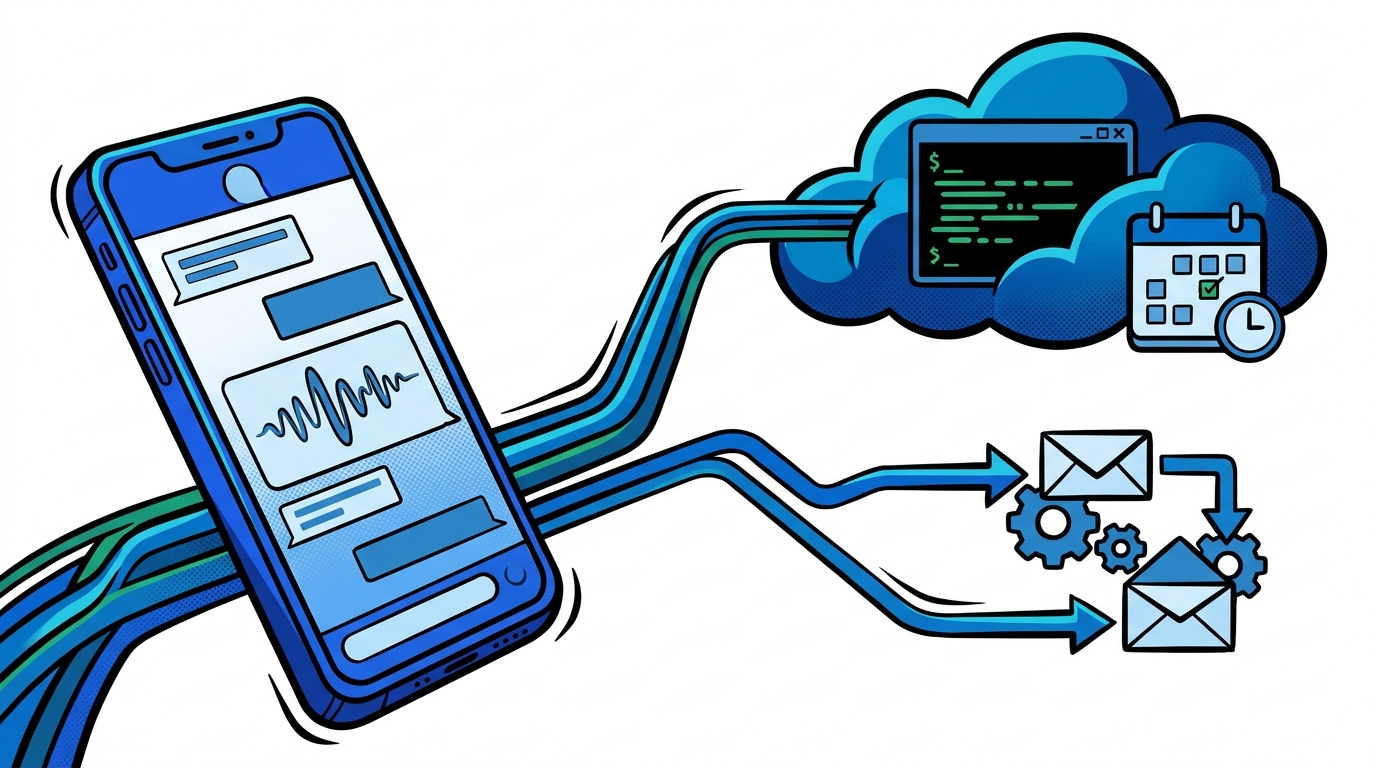
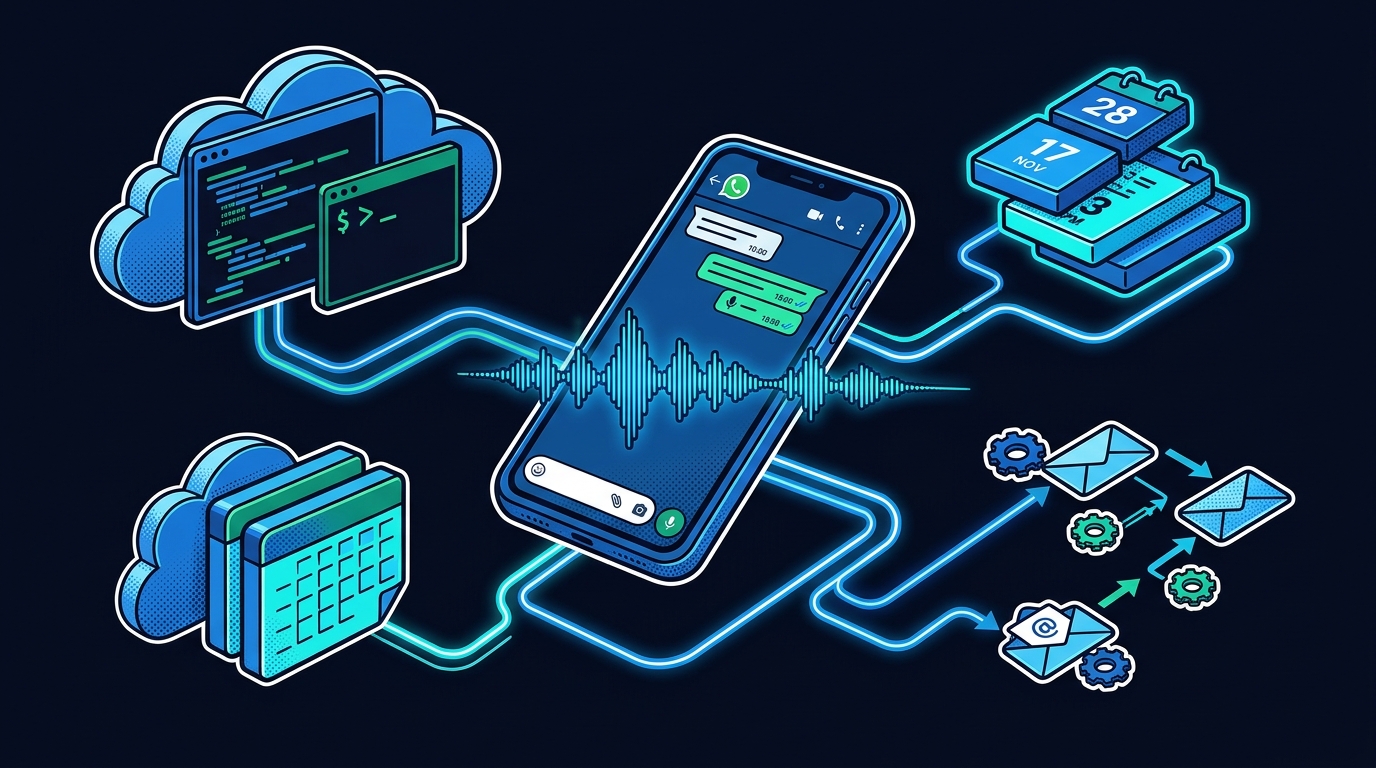
For an AI to function as a real personal assistant or a small business operator, it needs four things working together:
- A dedicated, always-on phone number and WhatsApp session. You should be able to forward it a message, add it to a family or team group chat, or call it by voice when your hands are full.
- Direct access to your daily tools. It needs to read and update Google Calendar, search Gmail, update Google Sheets, and read Docs without asking you to export CSVs.
- Its own cloud computer. When a task goes beyond pre-built integrations, such as scraping competitor pricing, parsing an attached invoice PDF, or calling a custom API, the assistant needs a real Linux VM and a browser to write and run the script itself.
- Human approval gates for sensitive actions. When your assistant talks to external clients or vendors on your behalf, you cannot let it blindly execute destructive tools or make promises you did not authorize. It needs to pause and ask you for a quick one-tap confirmation in chat before committing.
How This Looks in Practice
This is why we built Mentat on top of prompt2bot.
Instead of downloading a new app or wiring together fifty nodes in Make, you open a chat. If you need a dedicated WhatsApp number for your assistant, the system provisions and activates one in the cloud automatically. You save it in your contacts like a human colleague.
For personal work, you can forward a flight confirmation or a messy voice note and ask it to block the right hours on your Google Calendar and remind you the night before. You can call it over voice while driving and ask it to research a vendor, summarize the last three emails from a client, and draft a reply.
For a small business, the same engine runs your front desk (prompt2bot for Business) and your back-office workflows (No-Code Automation). A customer messages your business WhatsApp at 11 PM asking if you have an opening on Thursday. The agent checks your live calendar, answers their questions about pricing, books the slot, and logs the lead in your spreadsheet. If the customer asks for a special discount or a refund, the agent pings you privately for approval before replying.
When you need a custom automation that used to require a developer or a fragile Zapier chain, you just tell the coder agent what you want in plain words. It spins up an isolated cloud VM, writes the integration code, tests it, and sets up a recurring schedule.
The interface for the next wave of software is not another dashboard to check. It is a contact in your phone that already has a computer, knows your tools, and answers when you text or call.
← All posts